Part I
I ran a hands-on accessibility workshop with the UX&UI Design Chapter at Telenet and finally got to write about the setup, methods, and learnings!
Getting closer to our users on how they experience our content is key to being an empathic designer and a customer-centric company. To support the digital experience of each and every one with our brand.
While 15% of the Belgian population suffers from visual, hearing, cognitive, or motor disabilities; only 5% of websites and applications in Belgium are accessible to people with disabilities.
This hands-on workshop aimed to raise awareness, experiment, and learn to design better solutions with accessibility in mind. It also allowed us to open a backlog of issues, derive best practices in our ways of working, create inclusive design standards, and build the road to deliver accessible digital experiences.
What did we do?
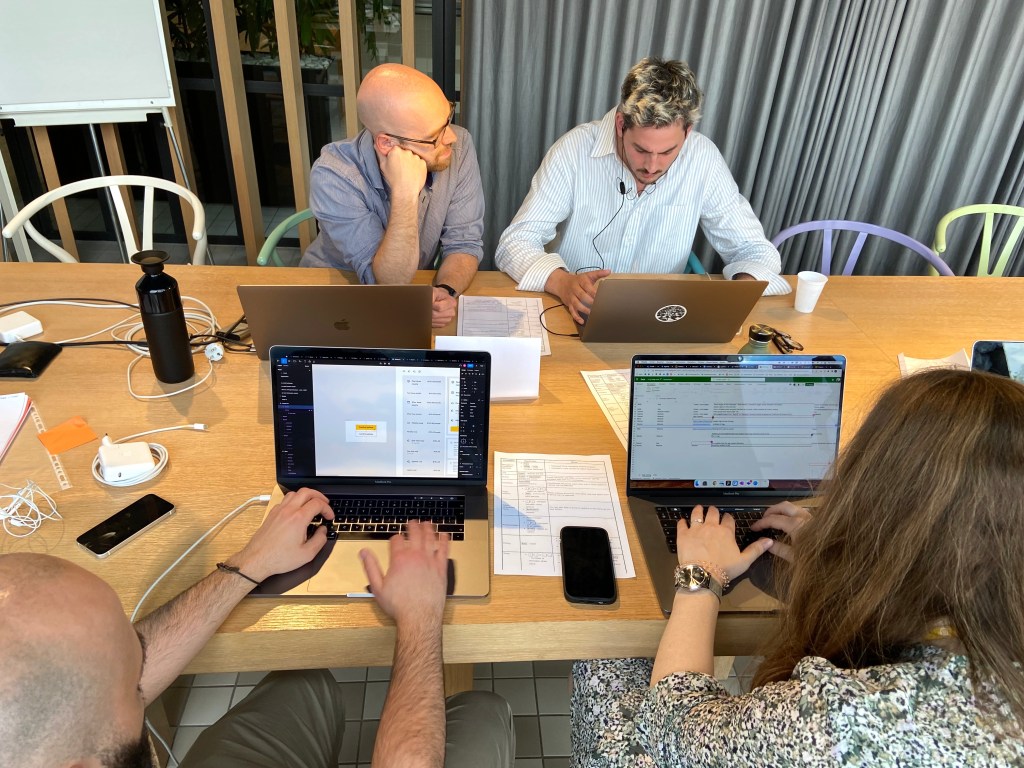
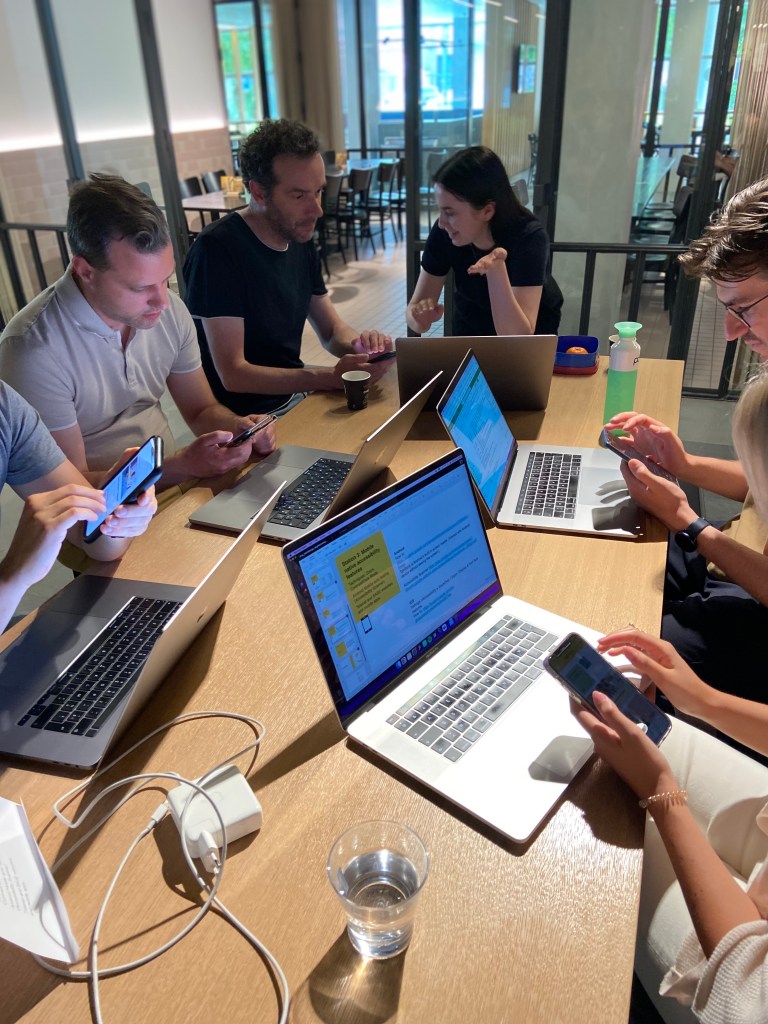
The designers were divided into three testing stations to review Telenet and BASE websites and mobile apps.
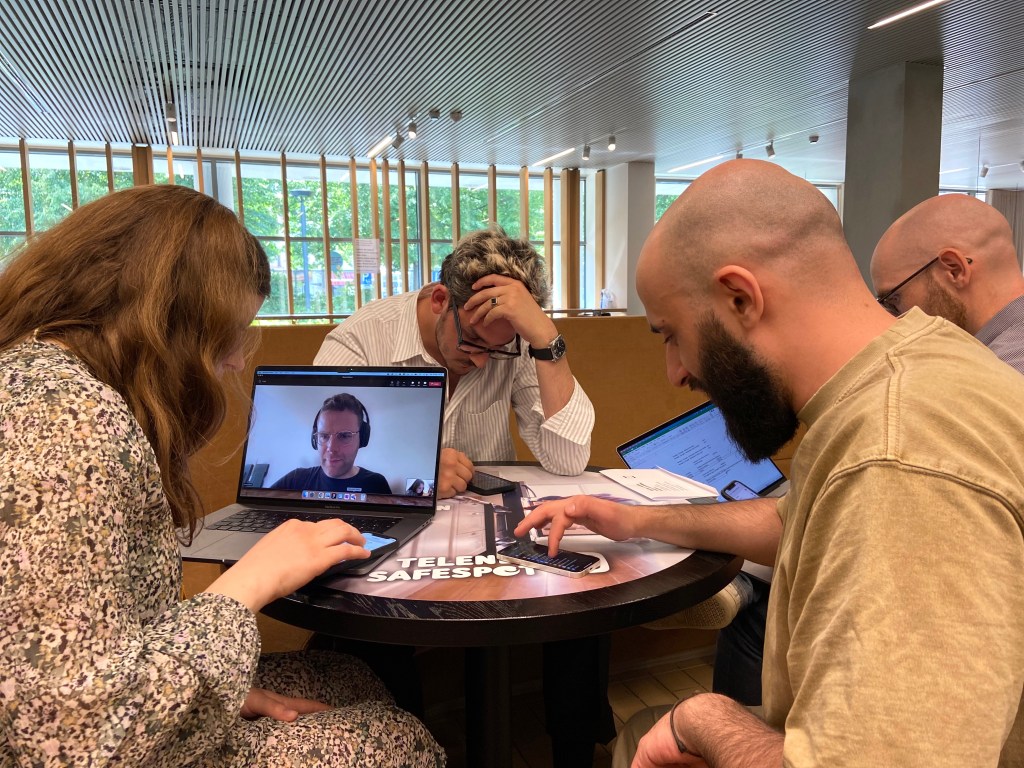
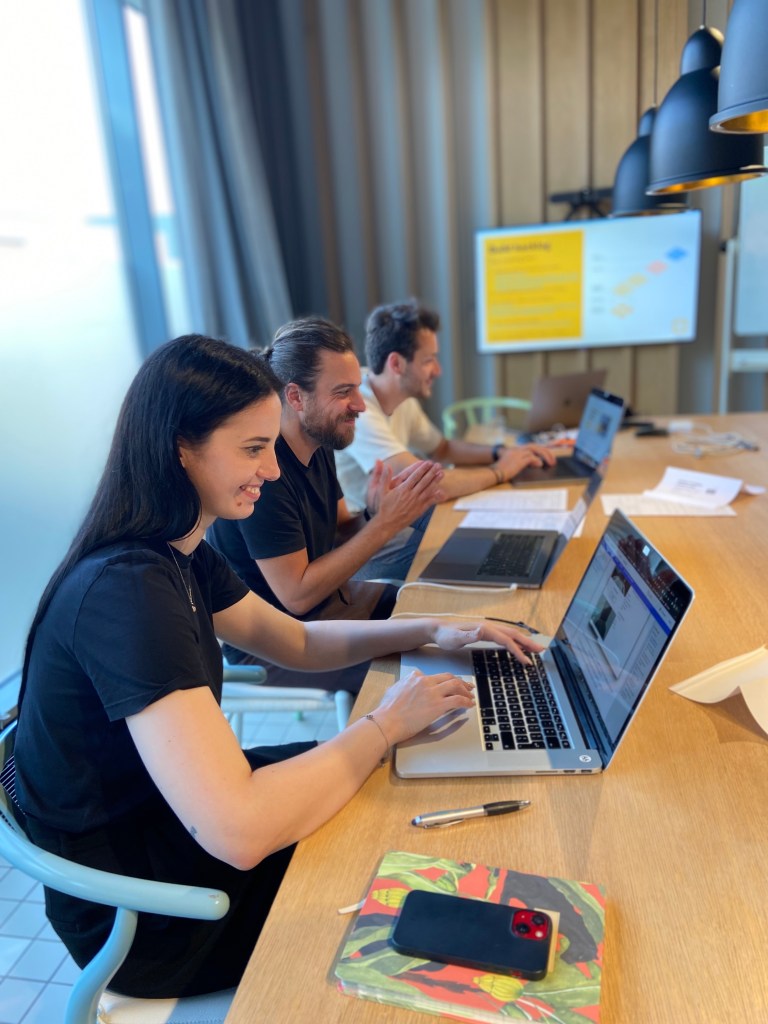
Websites manual testing
We navigated through our websites using the keyboard and used native accessibility features (voice-over, zoom, high contrast mode, etc.). Using the keyboard to navigate website content and interactive elements immediately highlighted major pain points in terms of content hierarchy and design of our pages, flows, and web components.
- On macOS, you can find the accessibility features under System Preferences> Accessibility> VoiceOver and Zoom features. More about accessibility features on macOS.
- More about accessibility features on Windows.
Websites automated testing
We used browser extensions like Chrome lighthouse, Wave (available for Chrome, Firefox, and Edge), and AxeCore to detect accessibly failures. While automated tooling cannot detect every issue, it helps with significant failures, especially with other testing methods. Besides, it is something that we quickly learned how to use and have at hand from now at the design and testing phases.
Mobile native accessibility features
Getting the hang of using mobile-accessible features was a steep learning curve and the first time for most of the designers. But we quickly understood how we can rely on the built-in native features to enhance our apps and website experiences. It should however not come as a substitution for testing with expert users with disabilities.
- On iOS, native accessibility features can be found under: Settings >Accessibility > VoiceOver / Zoom / Display & Text Size features. More about accessibility features on iOS.
- On Android, we learned a lot by running Accessibility Scanner.
What did we find?
Most of the issues found with the workshop fall under the categories below. (This is by no means an extensive audit!)
Navigation and web components keyboard interaction
- Relevant WCAG* Operable guidelines: 2.1 Keyboard accessible and 2.4.3 Focus order.
- Read about how to design keyboard interactions.
Headings usage and order
- Relevant WCAG Operable guidelines: 2.4.10 Section Headings and 2.4.6 Headings and Labels.
Alternative text (multiple languages and/or null)
- Relevant WCAG Perceivable guidelines: 1.11 Non-text content.
- Read about how to decide when to use alt.
Color contrast issues (in non-rebranded elements)
- Relevant WCAG Distinguishable guidelines: 1.4.1 Use of color and 1.4.3 Contrast (Minimum).
What now?
- Be conscious of our services and product decisions, in the digital landscape and beyond.
- Be explicit about our design decisions, keyboard interactions, content hierarchy, and user flow navigation; by supporting multiple ways to navigate our content regardless of devices or technology. Design, develop and maintain them.
- Expert audit of our website and digital deliverables.
- Find, open, and fix quick wins as well as lay the roadmap to tackle core issues.
- Test with users with disabilities to understand how disabled people use our products and services in real life.
- Document and evangelize best practices on web accessibility and website content creation across the different digital disciplines at Telenet.
- Pursue diversity, and inclusion, and build on multiple perspectives.
- Keep on learning!
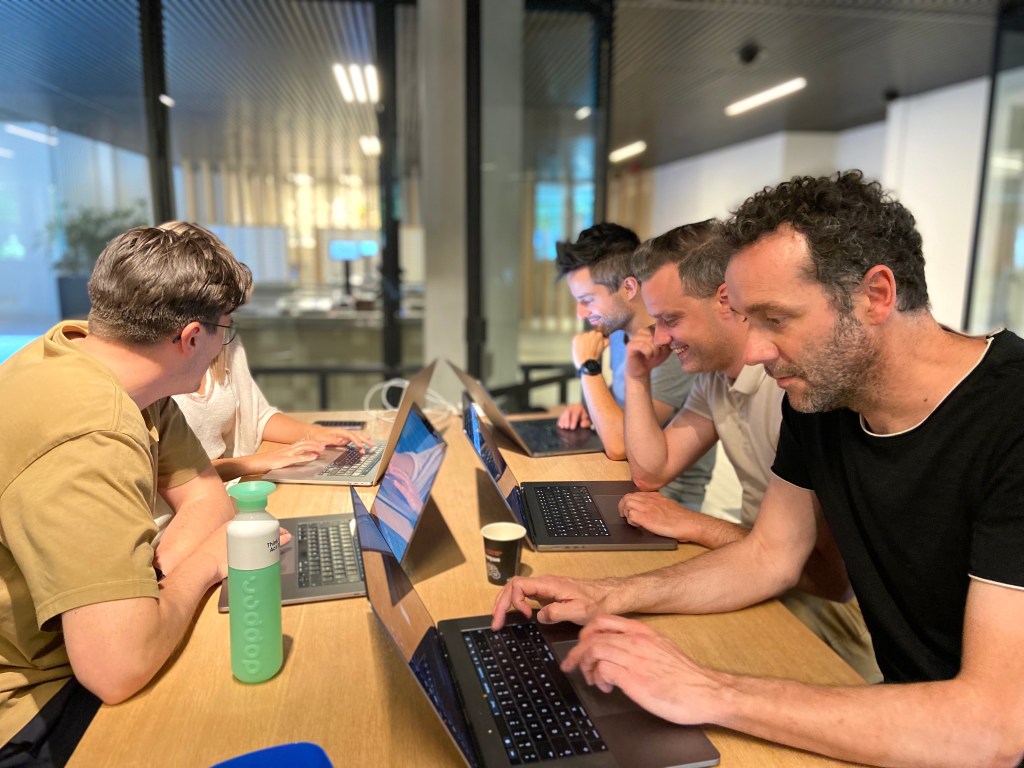
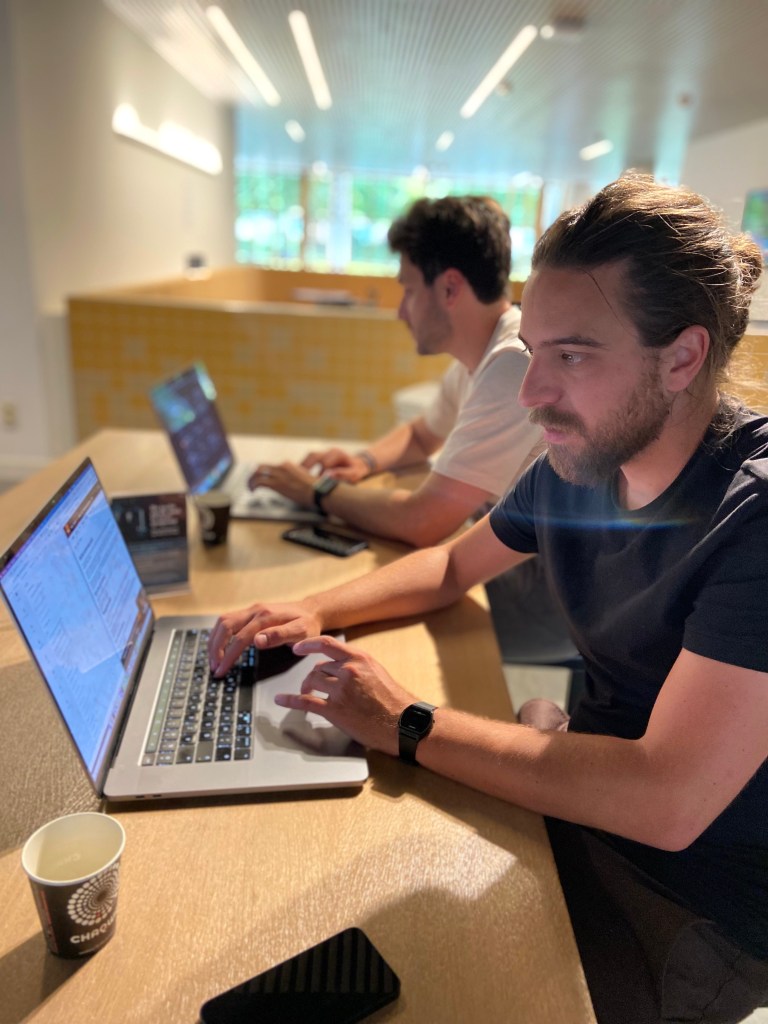
The transformation will not happen overnight. Finding accessibility failures in our design and development decisions raises our awareness, educates us, makes us thrive for customer-centricity, and higher our standards in our brand digital experience design processes and deliverables.
Accessibility, it’s by design!
Nádia Ferreira
I am happy to have set this up so designers can experience firsthand the impact of their design decisions and that we can all strive for better impactful design work.
My accessibility journey at Telenet
As part of my Chapter Lead UX&UI Design role at Telenet, I embarked on a journey driving and raising awareness on Accessibility. Read more about it:
- Part I – Learnings from a hands-on accessibility workshop with the UX&UI Design Chapter at Telenet
- Part II – Accessibility, it’s by design!
- Part III – Telenet’s web accessibility statement and public commitment to accessibility.
Thanks for reading and following my passion and geekiness for accessibility.
References
- *WCAG: Web Content Accessibility Guidelines, an international standard explaining how to make web content more accessible to people with disabilities.
- Accessibility of products and services, a European directive
Originally published July 1, 2022, on LinkedIn

 Nádia Ferreira